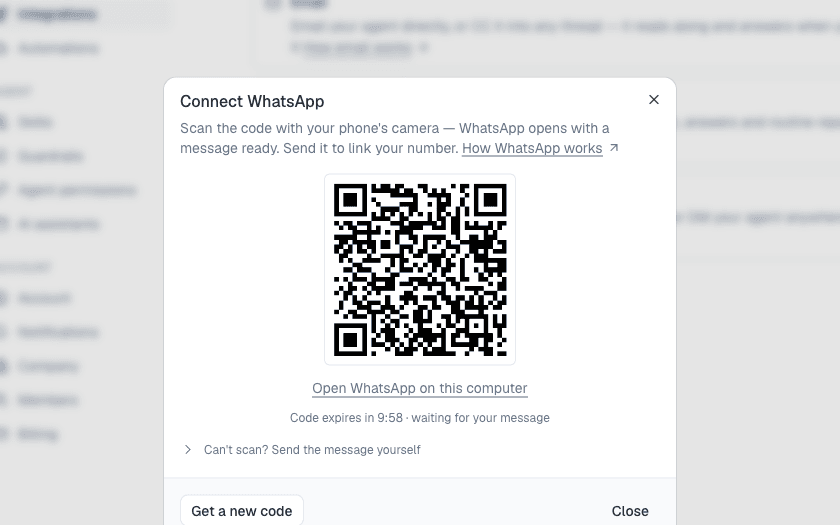
From Settings › Integrations, send the message it prepares from your phone and the number is linked. A routine's report arrives as a normal message when you've written recently, otherwise as a short notice with a button to open it. Photos and screenshots work, with or without a caption. Where a reply can carry Approve and Deny buttons it does; otherwise it tells you how to decide in the app.
Your agent on WhatsApp
Link your number in Settings › Integrations. Routines deliver there, you can send a photo of a listing, and the conversation carries on in the app. Nothing changes without your approval.
Ask the agent.
It reads these pages as well as your account, so it answers with your numbers and can act on the answer. Free to start, no card.